
Contemporary Collection
Inox Collection
Programma Tricolore
Blade
Cresta Corta
Cresta Lunga
Cross Road
East Side
Exclusive
Fractal
Impronta
Italy
Piega
Presa
Rota
Segmento
Sfioro
Spinta
Sx
Tabula
Tratto
CRIBA205
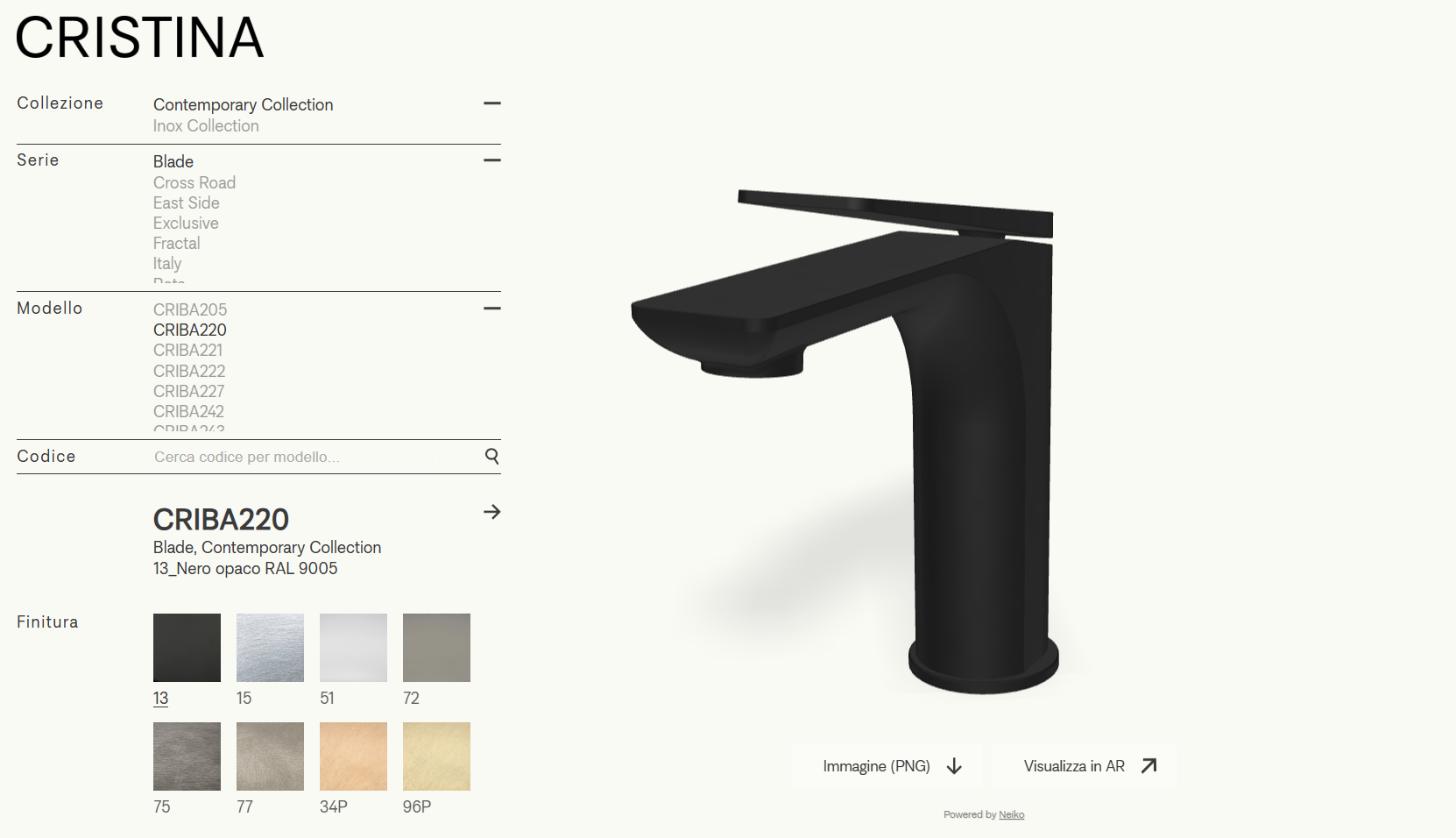
CRIBA220
CRIBA221
CRIBA222
CRIBA227
CRIBA242
CRIBA243
CRIBA256
CRIBA257
CRIBA258
CRIBA259
CRIBA290
CRIBA320
CRIBA321
CRIBA370
CRIBA905
CRIBA920
CRIBA922
CRIBA927
CRIBA942
CRIBA943
CRIBA956
CRIBA957
CRIBA958
CRIBA959
CRIBA990
CRITU220
CRITU905
CRITU922
CRITU927
CRITU942
CRITU990
CRITU210
CRITU912
CRITU917
CRITU956
CRITU957
CRITU980
CRICR205
CRICR207
CRICR226
CRICR230
CRICR242
CRICR243
CRICR248
CRICR326
CRICR330
CRICR331
CRICR371
CRICR907
CRICR942
CRICR943
CRICR948
CRIES204
CRIES205
CRIES206
CRIES220
CRIES222
CRIES226
CRIES227
CRIES242
CRIES243
CRIES248
CRIES320
CRIES326
CRIES330
CRIES370
CRIES376
CRIES380
CRIES904
CRIES905
CRIES906
CRIES920
CRIES922
CRIES926
CRIES927
CRIES942
CRIES943
CRIES948
CRIEV205
CRIEV207
CRIEV226
CRIEV230
CRIEV233
CRIEV241
CRIEV242
CRIEV243
CRIEV248
CRIEV300
CRIEV326
CRIEV330
CRIEV331
CRIEV371
CRIEV907
CRIEV933
CRIEV941
CRIEV942
CRIEV943
CRIEV948
CRIFT205
CRIFT220
CRIFT221
CRIFT227
CRIFT242
CRIFT243
CRIFT256
CRIFT257
CRIFT258
CRIFT259
CRIFT320
CRIFT321
CRIFT370
CRIFT905
CRIFT920
CRIFT927
CRIFT942
CRIFT943
CRIFT956
CRIFT957
CRIFT958
CRIFT959
CRIMR220
CRIMR905
CRIMR922
CRIMR927
CRIMR956
CRIMR957
CRIMR990
CRIIT205
CRIIT210
CRIIT217
CRIIT220
CRIIT227
CRIIT242
CRIIT243
CRIIT244
CRIIT247
CRIIT249
CRIIT257
CRIIT259
CRIIT280
CRIIT290
CRIIT307
CRIIT310
CRIIT320
CRIIT357
CRIIT360
CRIIT370
CRIIT905
CRIIT910
CRIIT917
CRIIT920
CRIIT927
CRIIT942
CRIIT943
CRIIT944
CRIIT947
CRIIT949
CRIIT957
CRIIT959
CRIIT980
CRIIT990
CRIPA205
CRIPA206
CRIPA220
CRIPA222
CRIPA224
CRIPA227
CRIPA242
CRIPA243
CRIPA256
CRIPA257
CRIPA258
CRIPA259
CRIPA290
CRIPA320
CRIPA370
CRIPA905
CRIPA906
CRIPA920
CRIPA922
CRIPA924
CRIPA927
CRIPA942
CRIPA943
CRIPA956
CRIPA957
CRIPA958
CRIPA959
CRIPA990
CRIMG220
CRIMG905
CRIMG922
CRIMG927
CRIMG990
CRIRT204
CRIRT205
CRIRT206
CRIRT226
CRIRT242
CRIRT243
CRIRT248
CRIRT326
CRIRT330
CRIRT376
CRIRT380
CRIRT904
CRIRT905
CRIRT906
CRIRT926
CRIRT942
CRIRT943
CRIRT948
CRITP220
CRITP922
CRITP927
CRITP956
CRITP990
CRIMP220
CRIMP922
CRIMP927
CRIMP956
CRIMP957
CRIMP990
CRIMI220
CRIMI957
CRIMI990
CRISX205
CRISX207
CRISX220
CRISX222
CRISX223
CRISX224
CRISX225
CRISX226
CRISX242
CRISX243
CRISX257
CRISX259
CRISX280
CRISX281
CRISX320
CRISX330
CRITA220
CRITA221
CRITA222
CRITA227
CRITA256
CRITA257
CRITA258
CRITA259
CRITA264
CRITA290
CRITA320
CRITA321
CRITA370
CRITA920
CRITA922
CRITA927
CRITA956
CRITA957
CRITA958
CRITA959
CRITA964
CRITA990
CRIHP220
CRIHP922
CRIHP927
CRIHP956
CRIHP957
,
Finish
Handle finish
×
FacebookWhatsAppeMail
Share your configuration:
FacebookWhatsAppeMail
×
Scan the QR code with your mobile device to view the item in AR:
×
START AR
×
Image (PNG)
×

AR Instructions
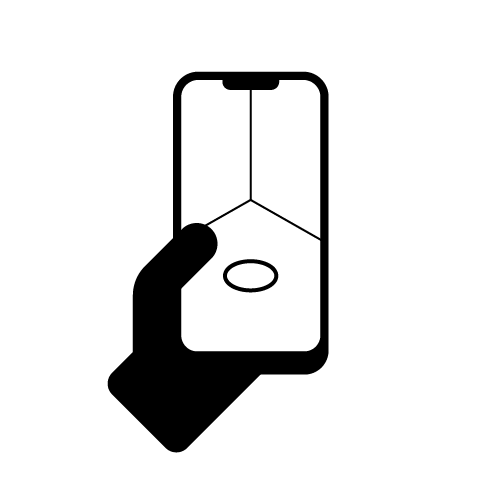
Point the camera at the ground or a flat surface and slowly move the device from left to right to scan the area.
Once the surface is detected, tap the screen to place the product.
Move the product by dragging it on the surface with one finger on the screen.
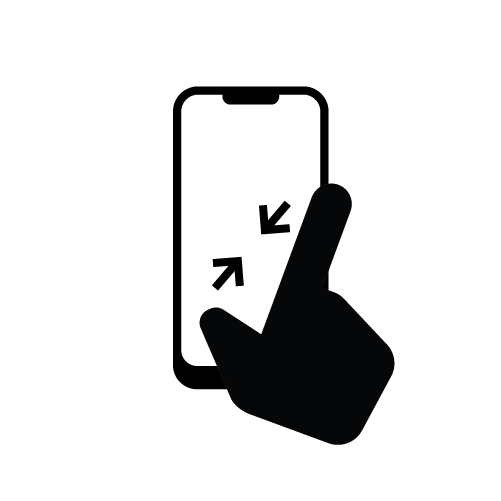
Zoom in, zoom out, or rotate the product using two fingers on the screen.
View in AR
View in AR
View in AR
×